
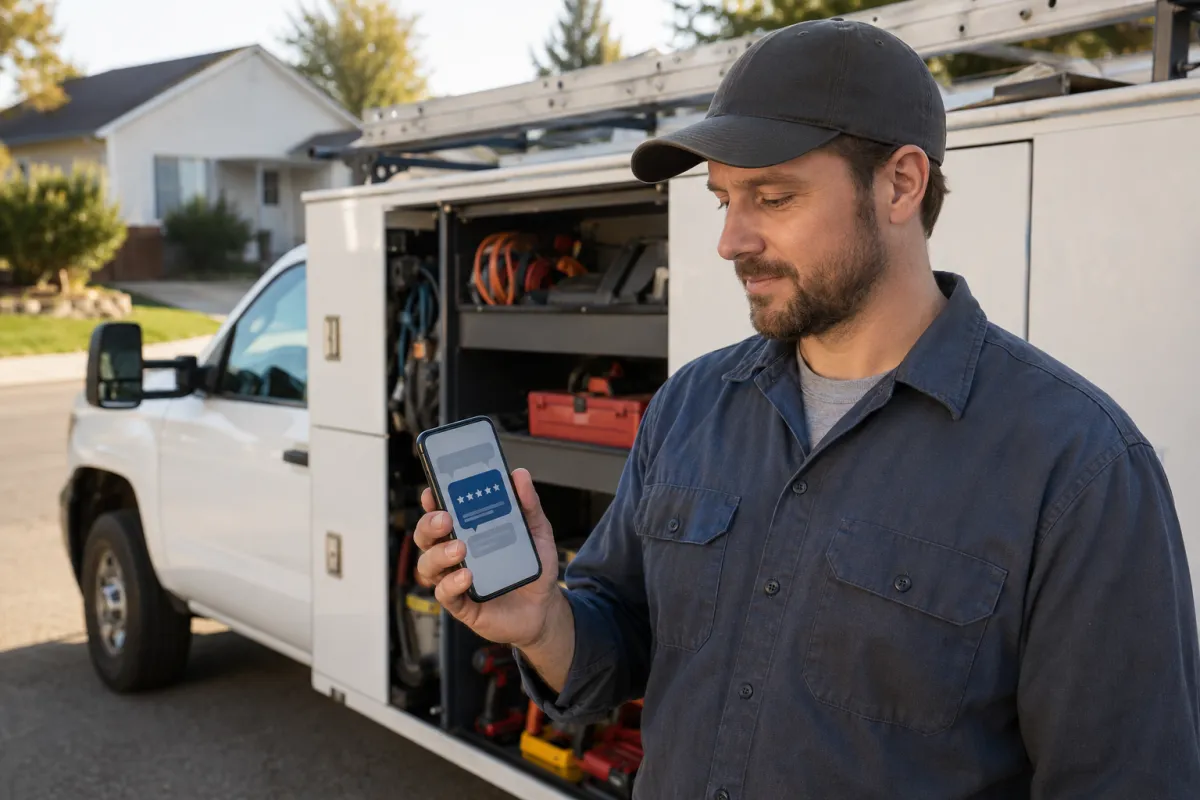
How to Automate Google Reviews for Your Home Service Business
Google reviews can shape how homeowners judge your business before they ever call. For contractors and home service companies, the hard part is not knowing that reviews matter. The hard part is asking at the right time, asking every customer fairly, and making the process simple enough that your team actually follows it.
This guide explains how to automate Google reviews using a practical CRM workflow while avoiding risky shortcuts such as review gating, fake reviews, or incentives tied to positive feedback. It also connects reviews to broader ranking factors for local contractors, including Google Business visibility, trust signals, and follow-up systems.
On This Page
Quick Answer: What Is the Best Way to Automate Google Reviews?
Why Google Reviews Matter for Contractors and Home Service Companies
The Problem With Manual Review Requests
The “Moment of Delight” Review Strategy
How CRM Automation Makes Review Requests Consistent
Want a Review Request Workflow Built Around Your Jobs?
SMS vs. Email Review Requests: Which Should You Use?
The Compliance Line: Automation Is Fine, Manipulation Is Not
A Safe Review Automation Blueprint for Contractors
How Reviews Support Local SEO for Contractors
Common Review Automation Mistakes to Avoid
What a BusinessBuddy360 Review Workflow Can Include
Ready to Automate Review Requests the Right Way?
FAQs About Automated Reviews for Home Services
Can I automate Google reviews for my home service business?
Can I offer a discount or gift card for a Google review?
When should contractors send review requests?
Quick Answer: What Is the Best Way to Automate Google Reviews?
The best way to automate Google reviews is to send a simple review request by SMS or email shortly after a job is completed, when the customer is most likely to remember the quality of the work. The request should go to customers consistently, not only to customers you think are happy. It should not offer a reward for a review, and it should not filter unhappy customers away from Google.
A safe review automation workflow usually includes three parts: a job completion trigger in your CRM, a short message with a Google review link, and a follow-up process for replying to reviews. Google’s local ranking guidance explains that local visibility is mainly influenced by relevance, distance, and prominence, and reviews can support prominence when they are earned naturally. You can review Google’s own explanation of how local ranking works for more context.
Why Google Reviews Matter for Contractors and Home Service Companies
Homeowners often compare contractors quickly. They may search for a plumber, roofer, pool service company, HVAC contractor, junk removal team, or landscaper, then scan the Google Business Profile results before choosing who to call. Reviews help them answer simple questions fast: Does this company show up? Do customers trust them? Do they respond professionally? Are recent customers still happy with the work?
For contractors, Google reviews support two important goals. First, they build trust before the first phone call. Second, they can support local visibility as part of a stronger Google Business presence. Reviews are not the only ranking factor, and no agency should promise that a certain number of reviews will place you in the map pack. Still, strong review activity can help your business look active, trusted, and relevant in competitive service markets.
This is why review automation belongs inside a larger Google Business Profile optimization strategy. Reviews can help, but they work best when your profile is also complete, accurate, service-focused, and supported by local SEO.
The Problem With Manual Review Requests
Most contractors do not fail at reviews because customers hate their work. They fail because the process is inconsistent. A technician forgets to ask. The owner remembers three days later. The office sends a review link only when a customer gives obvious praise. Over time, review growth becomes random.
Manual review requests also create pressure for field teams. Your technicians may be great at installing equipment, repairing damage, cleaning up a job site, or explaining the final invoice. That does not mean they enjoy asking customers for reviews. A better system lets the technician set the stage with one simple line: “You may get a quick message from our office asking how everything went.” Then the CRM handles the actual request.
For example, an HVAC contractor in Phoenix may complete an AC repair in July, and the homeowner is relieved that the house is cooling again. A plumbing company in Las Vegas may solve a hard water or emergency leak problem that caused real stress. A roofing company may finish the final inspection after a long insurance claim. These are the moments when the customer clearly understands the value of the work. Waiting too long can weaken that emotional connection.
The “Moment of Delight” Review Strategy
The moment of delight is the short window after the customer feels the benefit of the completed job. The AC is working. The leak is fixed. The yard is cleaned up. The driveway is cleared. The new system is installed. The customer feels relief, trust, or satisfaction.
That is usually the best time to send a review request. Not a week later. Not only after the owner manually checks in. Not after the customer has already moved on with their day. For many home service businesses, the strongest workflow is a review request that sends within a reasonable period after the job is marked complete.
Example Review Request Timing
Same day: Best for quick jobs like repairs, cleanups, service calls, and inspections.
After final walkthrough: Best for larger projects like remodelling, roofing, masonry, or landscaping.
After issue resolution: Best when the customer has a concern that your team fixed professionally.
The key is not to pressure the customer. The key is to make the review request easy, timely, and respectful.

How CRM Automation Makes Review Requests Consistent
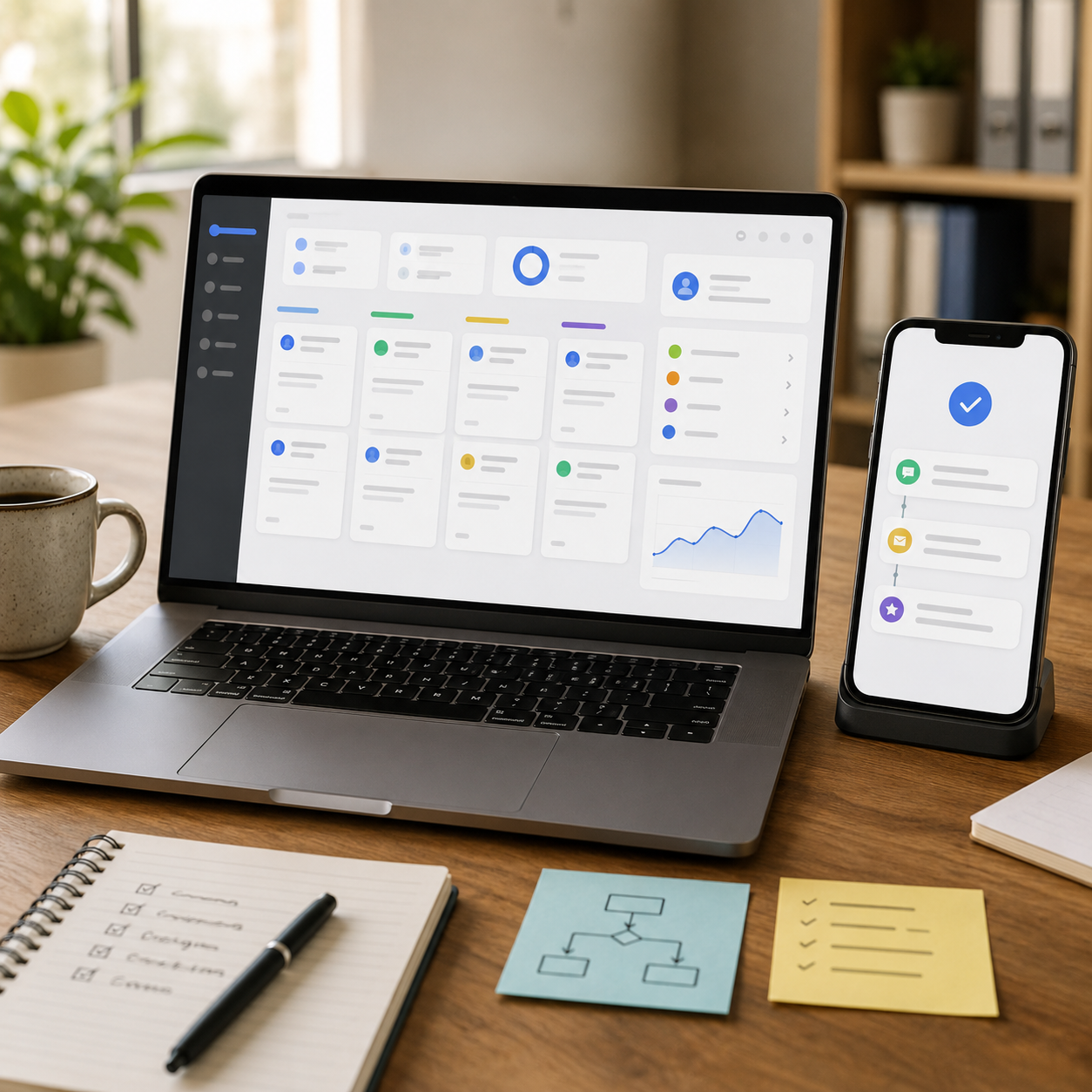
Review automation for contractors works best when it connects to the same system your team already uses to manage leads, jobs, customers, and follow-up. Instead of relying on memory, the CRM sends the request when a defined action happens.
A simple workflow might look like this:
The job is marked complete in the CRM or field service software.
The system checks that the customer has a valid mobile number or email address.
The customer receives a short, polite review request with a Google review link.
If no review is left, the system may send one gentle follow-up.
The business owner or office team gets a reminder to respond to new reviews.
This is where CRM automation services can help. The goal is not to spam customers. The goal is to build a clean review request workflow that fits how your company already operates.
Want a Review Request Workflow Built Around Your Jobs?
Level Up Social Pro can help you map your review requests, customer follow-up, missed-call recovery, and Google Business activity into one cleaner system. Schedule a BusinessBuddy360 demo and see how automation can support your home service business without risky shortcuts.
Schedule a BusinessBuddy360 Demo
SMS vs. Email Review Requests: Which Should You Use?
SMS is often useful for home service review requests because customers are already using their phones to communicate with contractors. Email can still work well for larger projects, commercial jobs, or customers who prefer documentation. The best option depends on your customer base, job type, and consent process.
If you use automated text messages, be careful with consent and opt-out practices. The FCC provides consumer guidance on robocalls and robotexts, including opt-out expectations. If you use email, the FTC’s CAN-SPAM compliance guide explains important rules for commercial email, including truthful sender information, accurate subject lines, and opt-out requirements.
Practical Channel Guide
Use SMS when the customer has already communicated by phone or text, and consent is handled properly.
Use email for customers who prefer written communication, larger invoices, or more formal projects.
Use both carefully when your CRM has consent records, frequency controls, and opt-out handling.

The Compliance Line: Automation Is Fine, Manipulation Is Not
Review automation is not the same as review manipulation. A CRM can make the process faster and more consistent, but it should not be used to hide bad feedback, buy positive reviews, or pressure customers.
Google’s review policies focus on keeping contributions authentic and free from manipulation. Businesses should avoid fake engagement, conflicts of interest, and incentives that distort review activity. You can review Google’s official user-generated content policy for reviews for the clearest guidance from the platform.
Do Not Use Review Gating
Review gating is when a business first asks whether the customer is happy, then sends only happy customers to Google while routing unhappy customers to a private channel. That may feel safer in the short term, but it creates a misleading review process and can put the business at risk.
Do Not Offer Rewards for Google Reviews
Avoid discounts, gift cards, free services, or special treatment in exchange for a Google review. The FTC’s guidance on consumer reviews and testimonials addresses deceptive review practices, and incentives tied to reviews can create serious trust and compliance problems.
The safer approach is simple: ask customers honestly, ask consistently, make the process easy, and respond professionally.
A Safe Review Automation Blueprint for Contractors
Here is a practical review automation workflow that works for many contractors and home service companies.
Step 1: Define the Trigger
Choose the event that should start the review request. This could be “job completed,” “invoice paid,” “final inspection passed,” or “project closed.” The trigger should match the customer experience. For example, a one-day plumbing repair may trigger the same day, while a larger roofing project may trigger after the final walkthrough.
Step 2: Keep the Message Short
The message should sound human and direct. Do not write a long sales pitch. Do not ask for a five-star review. Do not imply that only positive feedback is welcome.
Example SMS:
Step 3: Send One Gentle Follow-Up
A single follow-up can be reasonable if the customer has not responded. More than that can feel pushy. For most home service companies, one reminder after a few days is enough.
Step 4: Respond to Reviews
Review automation should not end when the customer leaves feedback. Your team should respond to reviews professionally. Google’s Business Profile Help explains how businesses can read and reply to reviews, which is an important part of ongoing contractor reputation management.
Step 5: Track Review Request Performance
Track how many requests are sent, how many customers click, how many reviews are added, and which job types produce the strongest response. This can help your team improve timing, message clarity, and technician handoff.
How Reviews Support Local SEO for Contractors
Reviews are not a magic ranking button. A contractor still needs a strong website, complete service pages, clear location signals, consistent business information, and a properly managed Google Business Profile. But reviews can strengthen the trust layer around all of those assets.
Review text may also help customers understand what your business actually does. If customers naturally mention services like emergency plumbing, AC repair, junk removal, pool cleaning, roofing repair, or concrete work, those reviews can make the profile feel more relevant to real buyers. You should never tell customers what to write, but you can deliver a specific service experience that customers naturally describe.
For a stronger visibility system, review automation should work alongside a broader local SEO strategy. The website helps explain your services. The Google Business Profile helps capture local intent. The CRM helps follow up with leads and customers. Reviews help build trust around the whole process.
Common Review Automation Mistakes to Avoid
Only Asking Happy Customers
This is one of the biggest mistakes. It may seem logical to protect your rating, but filtering who gets asked can create a misleading review process. Ask customers consistently and use private follow-up to resolve real service issues.
Asking for “Five Stars”
Do not ask customers to leave a five-star review. Ask for honest feedback. That sounds more professional, and it keeps the request focused on the customer’s real experience.
Sending Too Many Messages
Automation should not annoy customers. One request and one respectful follow-up is often enough. If your system sends repeated texts and emails, it may damage trust instead of building it.
Ignoring Negative Reviews
A bad review is not always a disaster. A calm, specific, professional response can show future customers that your company takes issues seriously. Silence can look worse than the review itself.
Separating Reviews From the Rest of the Customer Journey
Review requests work better when the full customer journey is clean. If calls are missed, estimates are slow, job updates are unclear, and invoices are confusing, automation will not fix the root problem. The better move is to improve the whole lead-to-job pipeline.
What a BusinessBuddy360 Review Workflow Can Include
A review workflow in BusinessBuddy360 can help contractors consolidate customer follow-up, CRM activity, and review requests into a single system. The exact setup depends on the business, but a strong workflow may include:
Review request SMS after a job is marked complete
Email review request for customers who prefer email
One polite reminder if no action is taken
Internal notification when a review is received
Review response reminders for the office team
Customer feedback tracking for service improvement
Missed-call and lead follow-up automation connected to the same CRM
This matters because reviews are not separate from your operations. They are the final proof that your sales, service, communication, and delivery process worked.
Ready to Automate Review Requests the Right Way?
Level Up Social Pro helps contractors and home service businesses build practical Google Business, CRM, and follow-up systems. Schedule a BusinessBuddy360 demo to see how review automation can fit into your customer journey.
Schedule a BusinessBuddy360 Demo
FAQs About Automated Reviews for Home Services
Can I automate Google reviews for my home service business?
Yes. You can automate review requests by sending customers a review link through SMS or email after a job is completed. The workflow should ask for honest feedback and should not filter customers based on whether they are happy or unhappy.
Is review gating allowed?
No. Review gating is risky because it filters customers before sending them to a public review platform. A safer process asks customers consistently and gives them a direct way to leave honest feedback.
Can I offer a discount or gift card for a Google review?
Avoid offering rewards in exchange for Google reviews. Incentives can create trust and compliance problems, especially if they influence whether a review is left or what the customer says.
When should contractors send review requests?
Most contractors should send review requests shortly after the job is completed, the final walkthrough is finished, or the customer has clearly received the benefit of the work. The timing should match the service type.
Do Google reviews guarantee better local rankings?
No. Google reviews do not guarantee rankings, calls, or map pack placement. They can support trust and local prominence, but they should be part of a broader local SEO, Google Business, and customer follow-up strategy.

Final Takeaway
The best review automation system is not the most aggressive one. It is the one your team can run consistently without crossing compliance lines. Ask soon after the job. Ask every customer fairly. Make the review link easy to use. Avoid rewards, review gating, and fake activity. Then connect the whole process to your Google Business and CRM strategy.
If you want help building that system, schedule a BusinessBuddy360 demo with Level Up Social Pro. We can help you turn review requests, lead follow-up, missed-call recovery, and customer communication into a cleaner growth system for your home service business.